Why loot ESP matters in extraction shooters
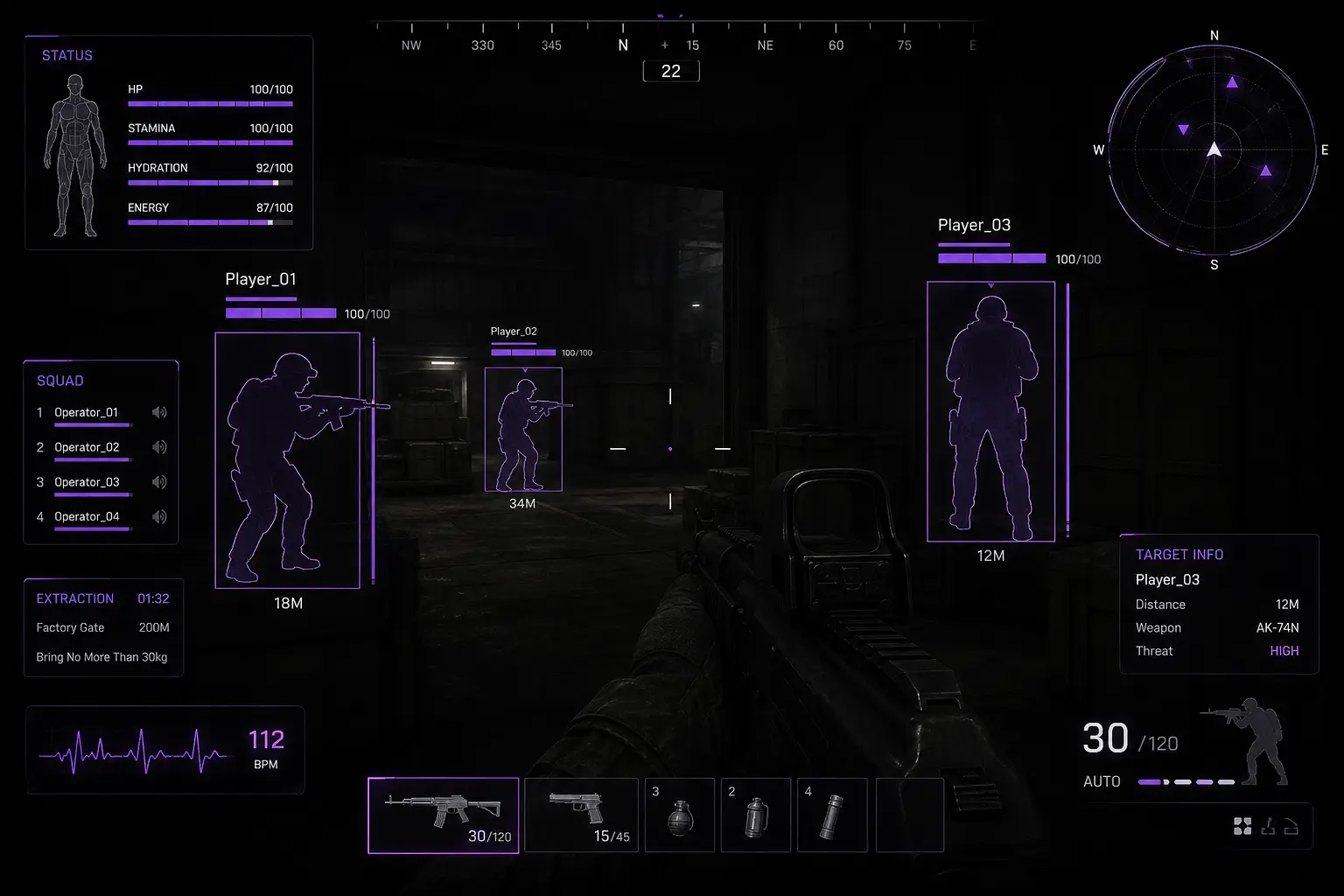
In Arena Breakout: Infinite, most raids die on greed, not aim. You hear a crate, commit the open, and never check the stairwell again. Loot ESP exists to flip that loop: see valuables and containers before you plant yourself in an animation, then decide whether the box is worth the noise and the seconds.
ABI Cheats loot tools sit next to player ESP for a reason. Scavenging without threat awareness is how operators lose kits. Threat awareness without loot filters is how operators waste half a raid opening junk. This guide focuses on loot display, container ESP, rarity colors, and the skip rules that keep extracts clean. For the player-side overlays that should stay on while you loot, read the ESP guide first.
Loot display: valuables before the animation
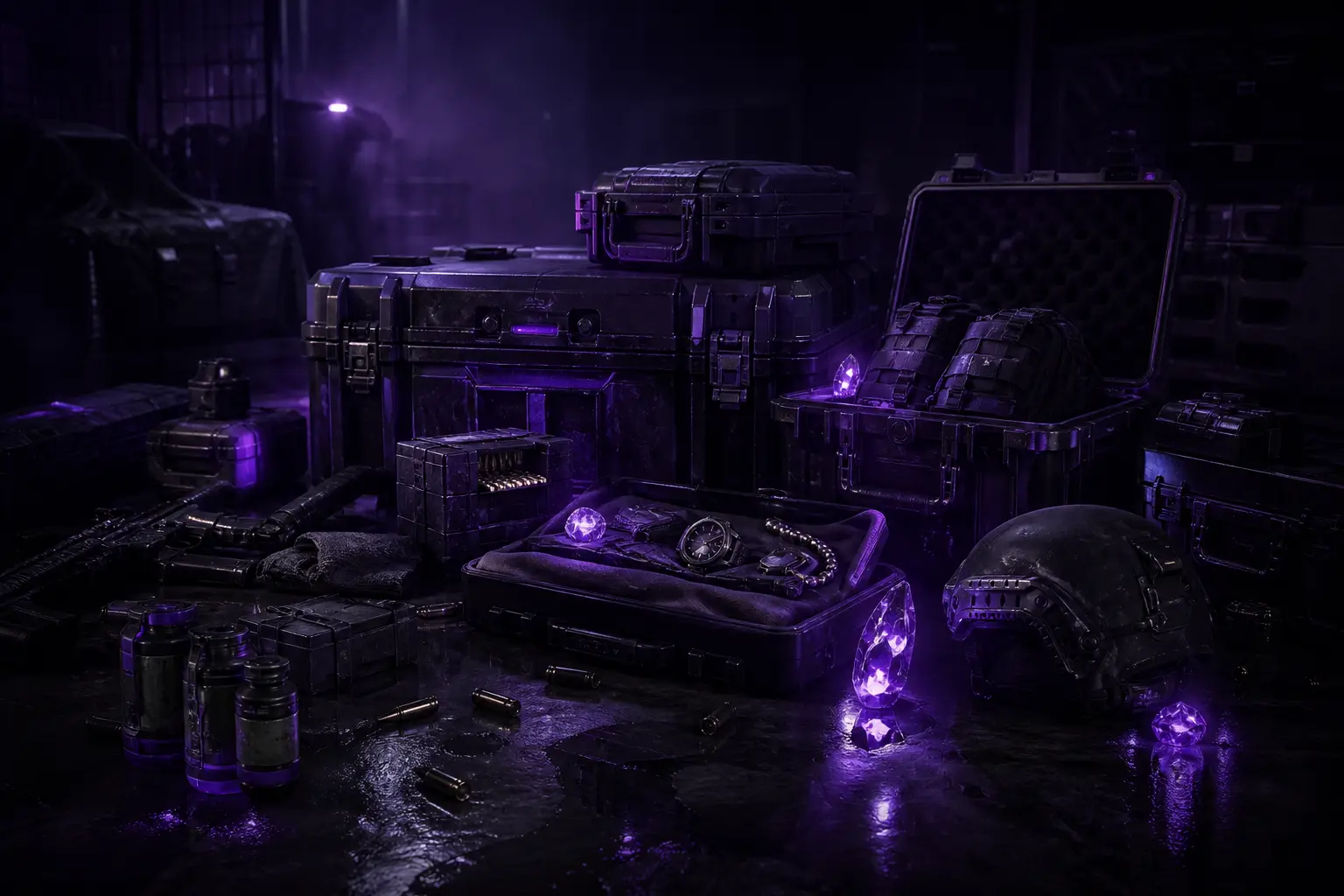
Loot display surfaces high-value items and notable gear before you commit. That matters in dense POIs where every open is a vulnerability window. If the overlay shows mid-tier clutter and your bag is already heavy, you rotate. If it shows a priority piece that fills a loadout hole, you clear the room with player ESP, then loot with intent.
Treat loot display as a route planner, not a shopping list. Mid-raid, you want items that improve fight survival or extract value. Late-raid, you want items that fit remaining space and do not force a second building clear. Operators who chase every highlighted item still die — overlays only help if you keep a carry plan.
- Scan valuables from cover before you enter the interact range
- Re-check player ESP between opens, not only after the last crate
- Drop low-value clutter early so rarity hits can actually fit
- Ignore “pretty” mid loot when extract windows are closing
Container ESP: crates on the path, not every box on the map
Container ESP marks crates and lootable objects so you stop clearing empty rooms by habit. In warehouses and apartment stacks, that is the difference between a two-minute POI and a seven-minute death trap. Marked containers let you path through a building with a short list: which floors matter, which corners are dead, which hallway is only a rotate lane.
Distance filters keep container ESP usable. Wide range on open industrial maps helps you pick the next structure. Tight range inside multi-floor buildings keeps the HUD readable during CQC. Pair container markers with bots/NPCs ESP when AI packs camp loot rooms — clear the AI only if the container density justifies the ammo and noise. For AI triage habits, see bots & NPC ESP.
- Loot Display for valuables before you commit animation time
- Containers ESP for crates and lootable objects on your route
- Item rarity colors so high-tier gear stands out first
- Distance filter to cut clutter during building clears
Item rarity colors: train your eyes for priority
Rarity colors push high-tier gear forward and fade low-priority clutter. That visual hierarchy is what stops you from opening every gray-feeling box because “maybe.” Once colors are tuned for your monitor, your skim speed jumps: glance, rank, decide. Purple-lit interiors and bright outdoor lanes can wash colors differently, so revisit custom colors after gamma changes or big client visual patches.
A practical rarity rule for raids: if the color band is not worth your remaining extract margin, skip. If you are already kit-rich and player ESP shows a squad rotating your POI, skip even good boxes — third parties do not care that you “almost finished looting.” For late-raid discipline, the extract with ESP guide covers approach lanes and hold timing.
When to skip boxes (even when ESP lights them up)
Overlays make greed louder if you have no skip rules. Use these defaults until your own map knowledge overrides them:
- Player ESP shows a nearby squad and you are mid-animation risk. Leave. Kit preservation beats one more crate.
- Extract window is short and your bag value is already solid. Path to extract; do not open “one last room.”
- Container density is high but rarity colors stay low. Clear a different POI or rotate for players who already fought there.
- Bots are stacked and player markers are clean, but ammo is thin. Path around AI instead of farming noise before a contested extract.
- You need a free hand for a heal or mag check in CQC. Finish the fight-state reset before another open.
Skipping is a skill. The operators who extract most often are not the ones who opened every marked box — they are the ones who left on time with enough value.
A scavenging loop that keeps you alive
Approach a POI with player ESP confirming clear or known threats. Scan container ESP for crates on your intended floors. Use rarity colors to prioritize. Loot with short glances back to threat overlays between animations. Before exit, re-check player ESP and bots/NPCs ESP on the leave path. If chams help you confirm silhouettes in smoke or clutter on the way out, keep them on — the chams guide covers that pairing.
Tune distance filters per activity. Wide for outdoor rotates between compounds. Moderate for mid-loot building clears. Tight for extract buildings and CQC hallways. Color and range recipes live in the distance filter settings guide if your HUD feels noisy.
Common loot ESP mistakes
First: looting with your attention glued to rarity colors while player ESP is ignored. Second: max container range indoors until every wall is a crate cloud. Third: opening low-rarity stacks because the path “is right there.” Fourth: never dropping trash, so high-tier hits have nowhere to go. Fifth: treating loot ESP as a replacement for map knowledge — overlays accelerate good routes; they do not invent them.
After patches, rarity colors and container offsets can need a quick re-check. Regular updates exist because Arena Breakout: Infinite changes. Patch-day habits are covered in updates after patches.
Evaluate loot tools before you buy
Ask whether loot display, container ESP, and rarity colors change how you route POIs. If yes, compare the full package on Arena Breakout Infinite cheats and purchase from Buy ABI Cheats. Buying priorities and plan questions are in how to buy ABI cheats. More guides sit on the ABI Cheats blog. Support: [email protected].